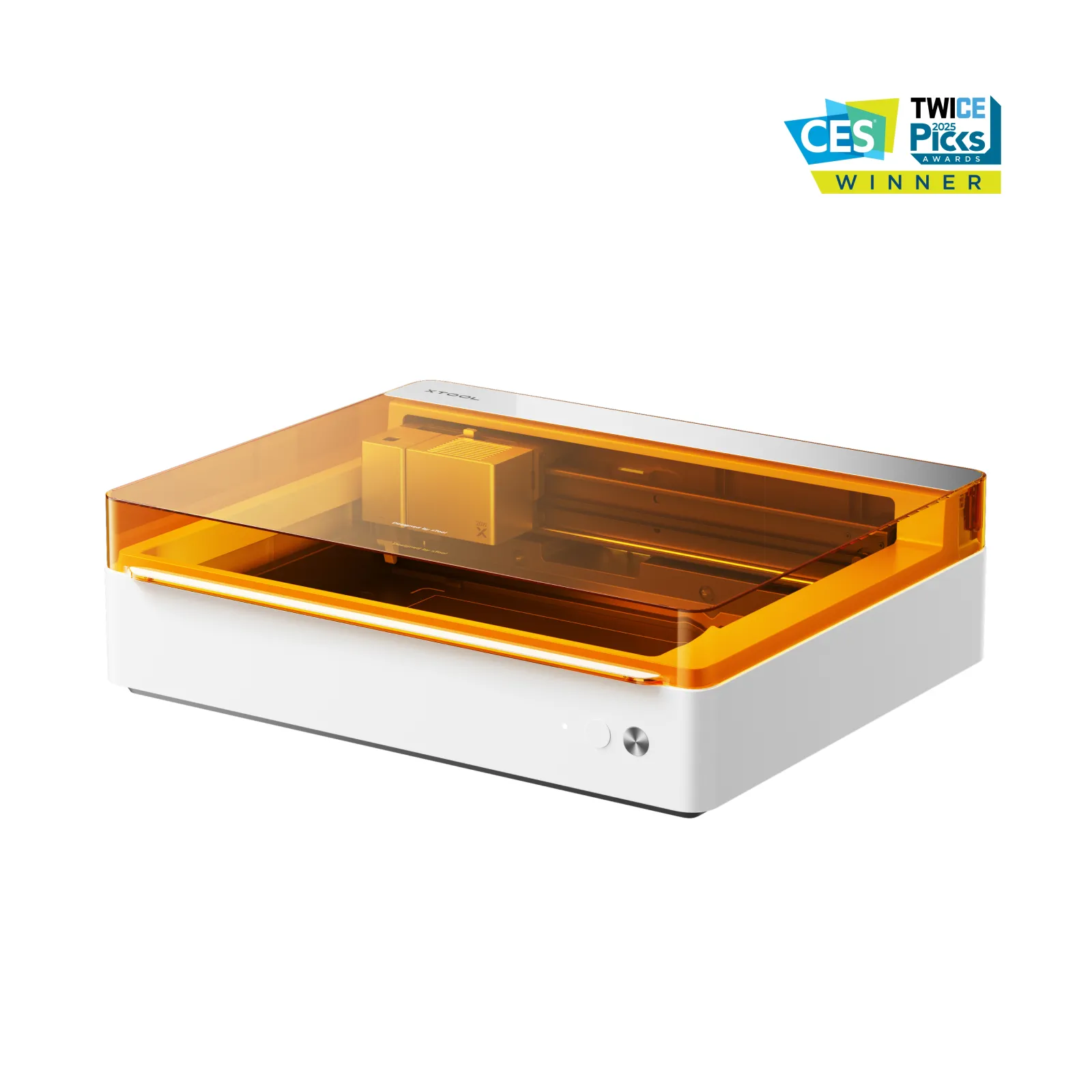

xTool M1 Ultra 20W - 4-in-1 Craft Machine + Free Fire safety set
xTool M1 Ultra 4-in-1 Craft Machine – Unleash Your Creativity
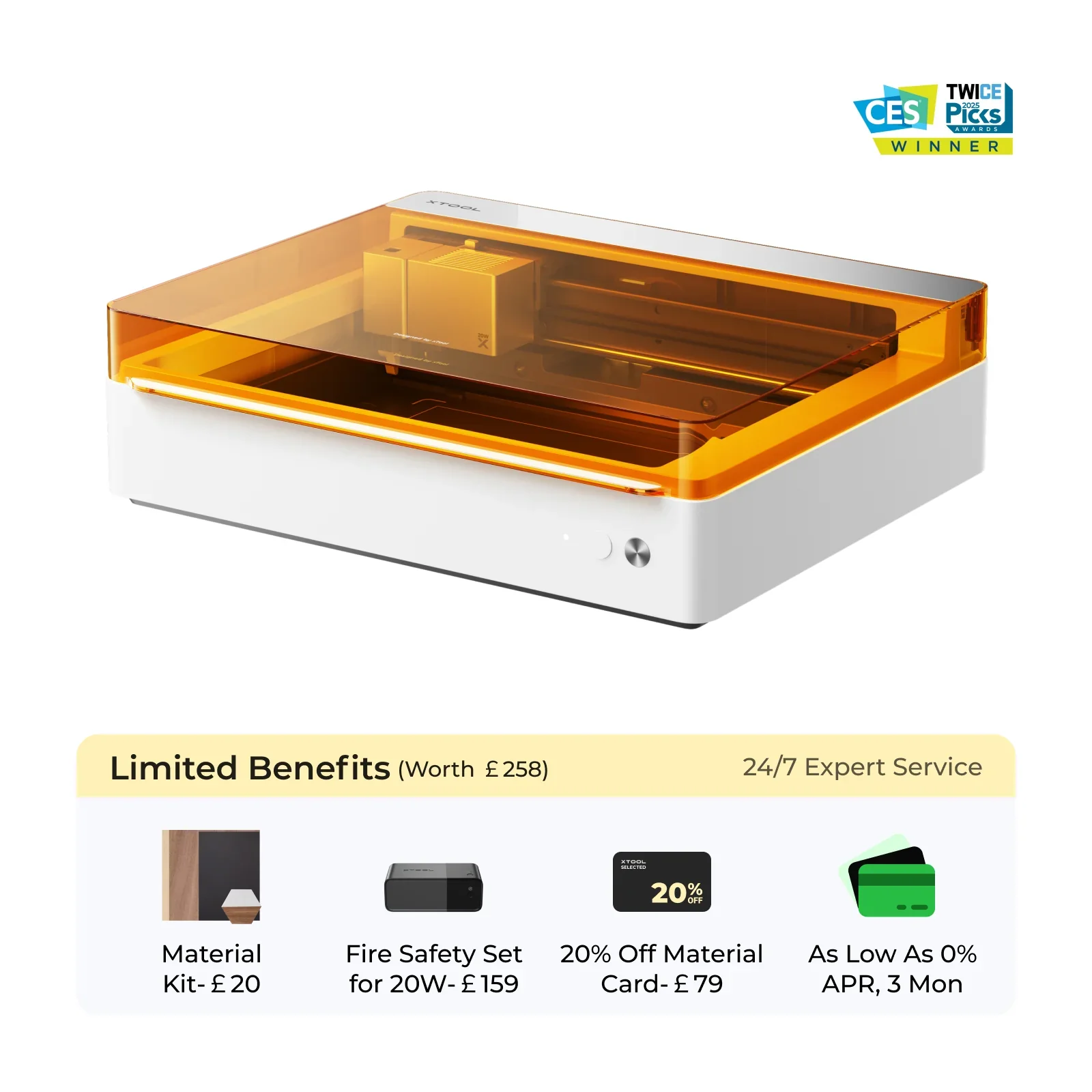
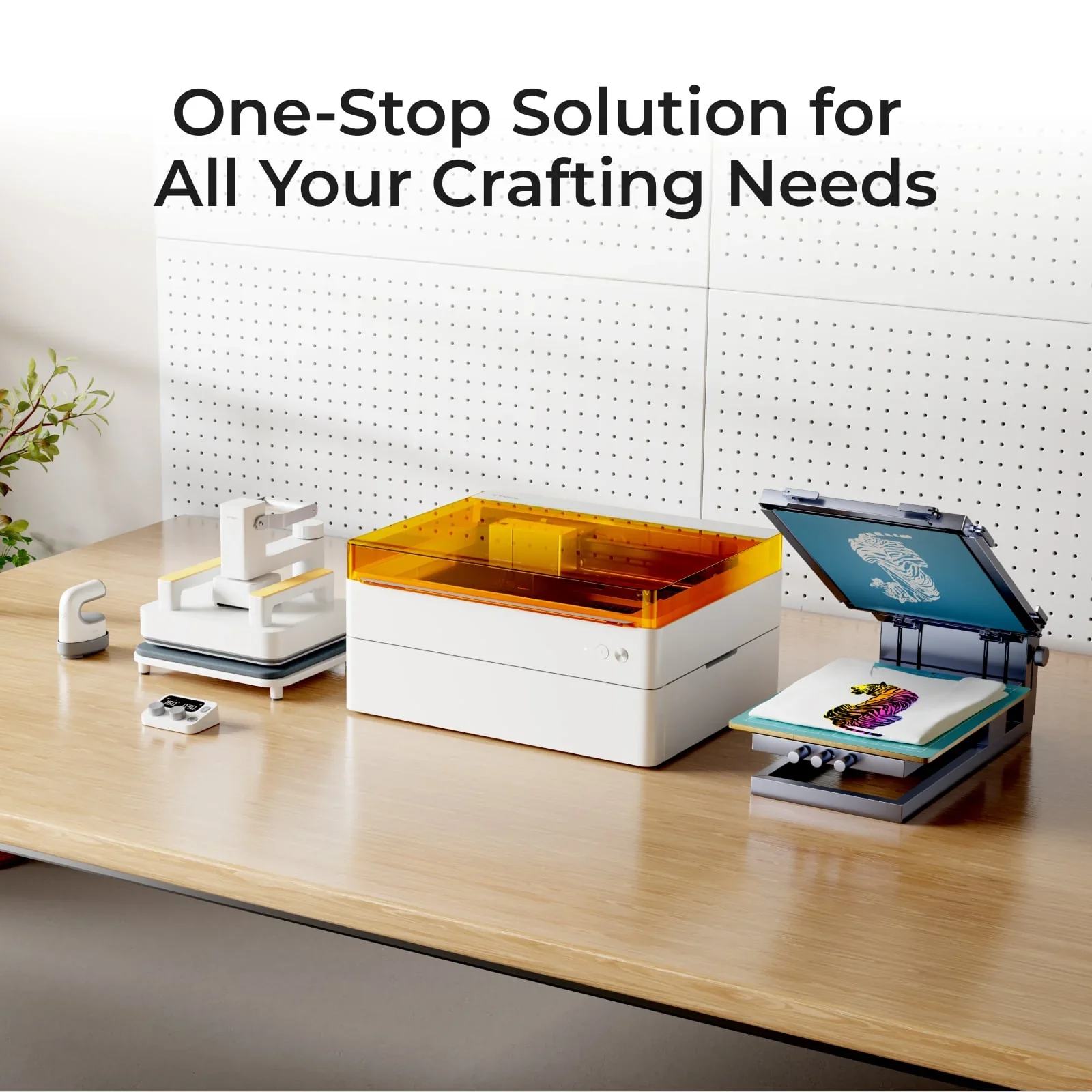
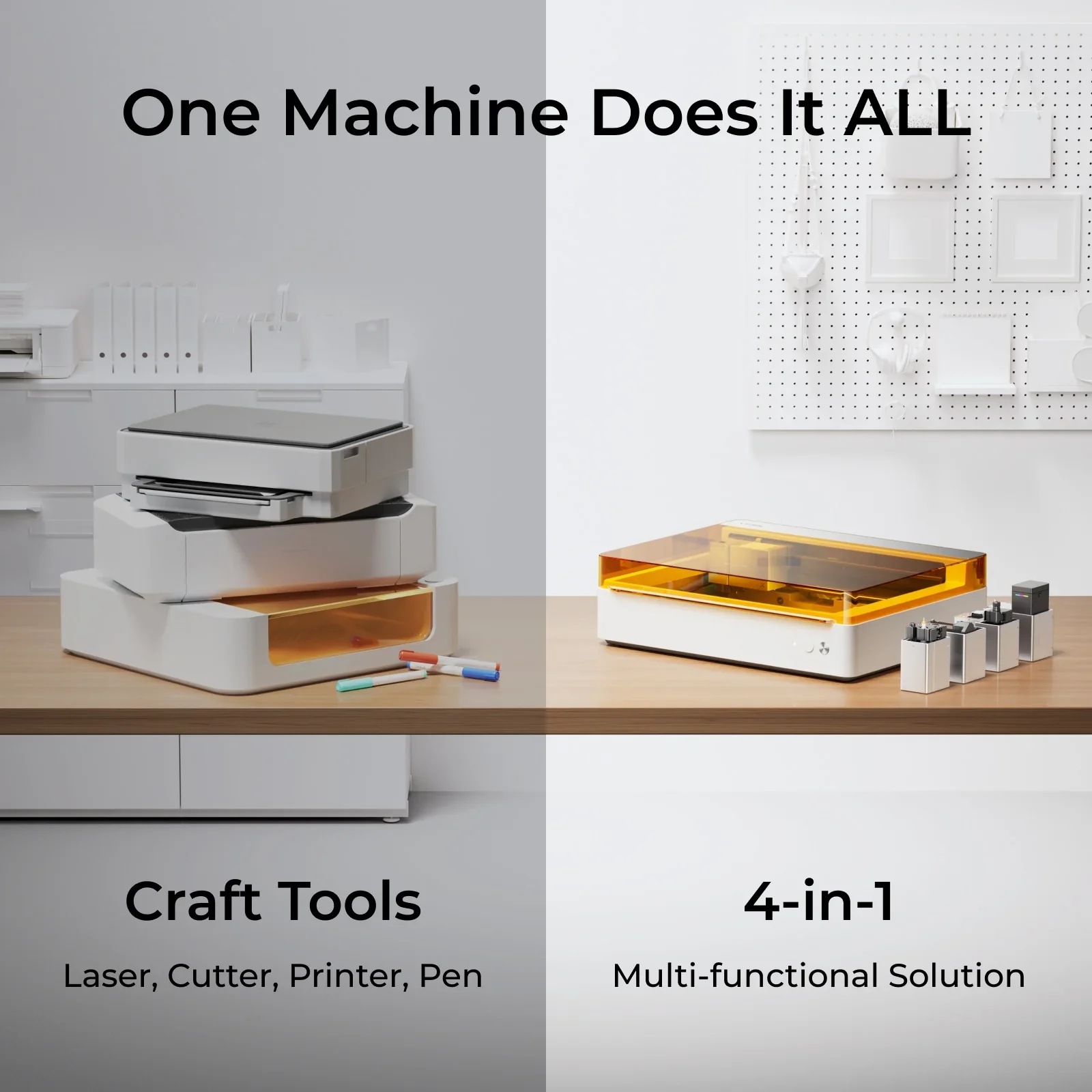
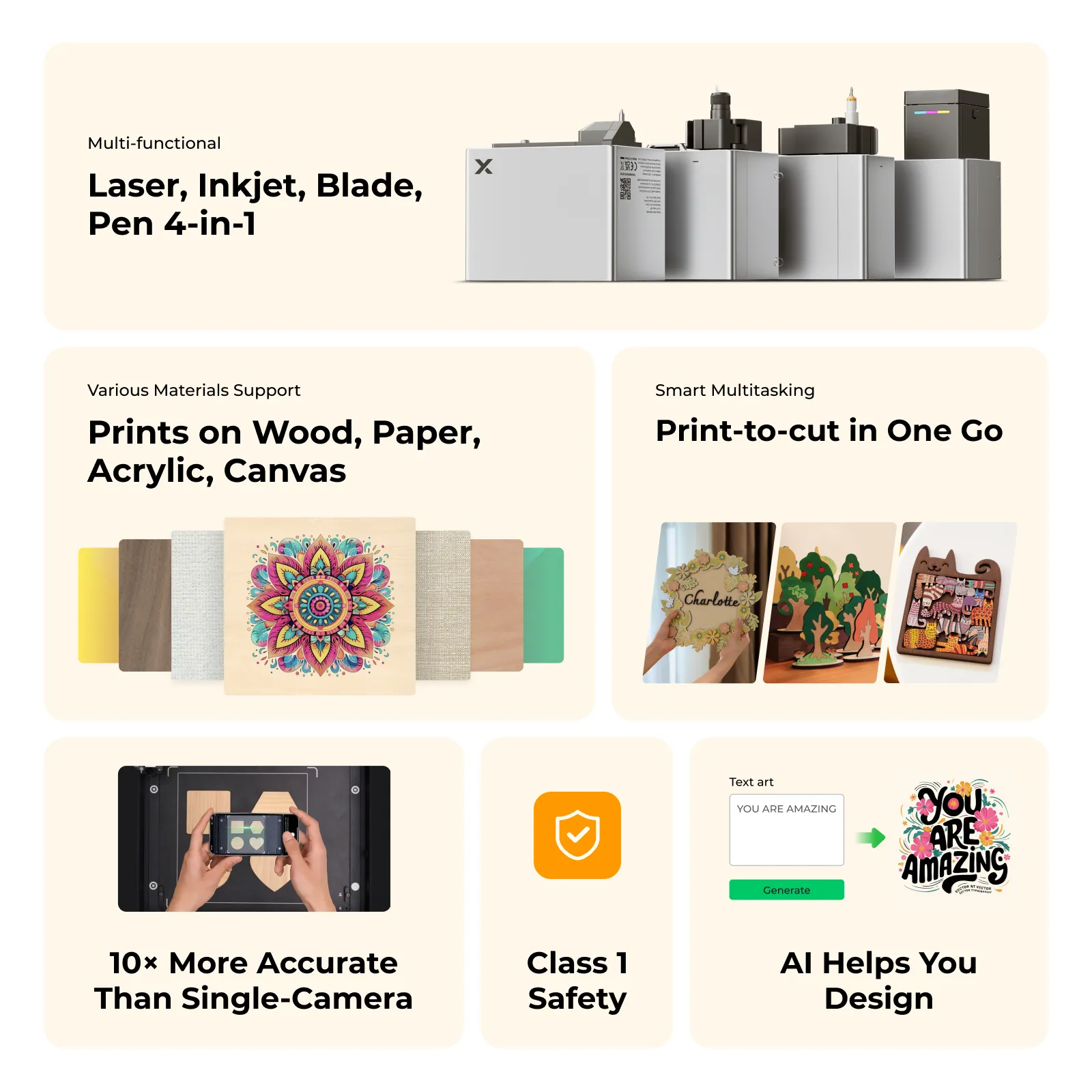
The xTool M1 Ultra is the world’s first 4-in-1 craft machine, seamlessly integrating laser engraving, blade cutting, inkjet printing and pen drawing in a compact device. Built for crafters, small businesses and DIY enthusiasts, the M1 Ultra delivers the versatility and precision to bring creative projects to life.
Key Features
Multi-Functionality
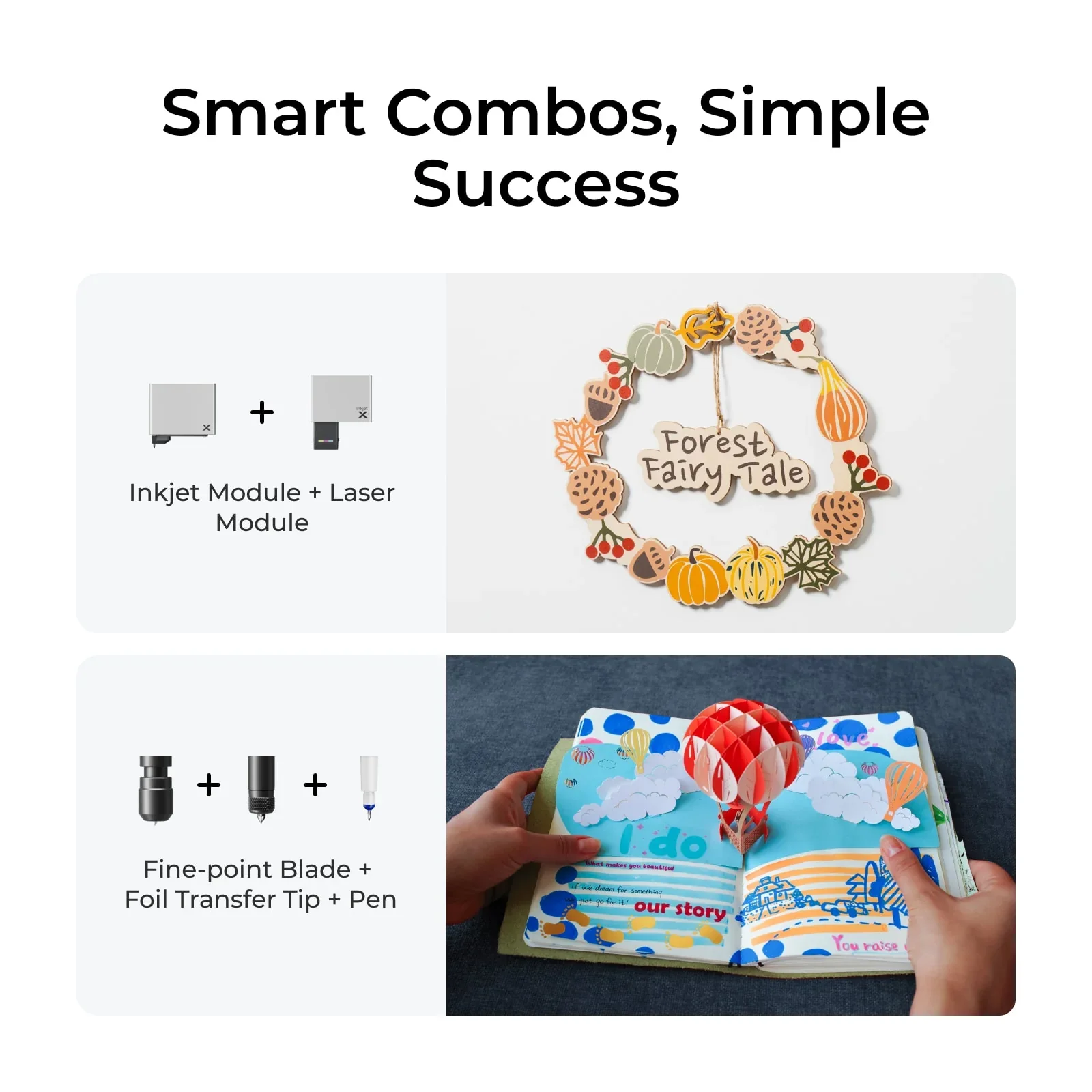
Switch between Laser, Blade, Inkjet and Pen modes via Easy Swap™ — module changes in ~3 seconds.
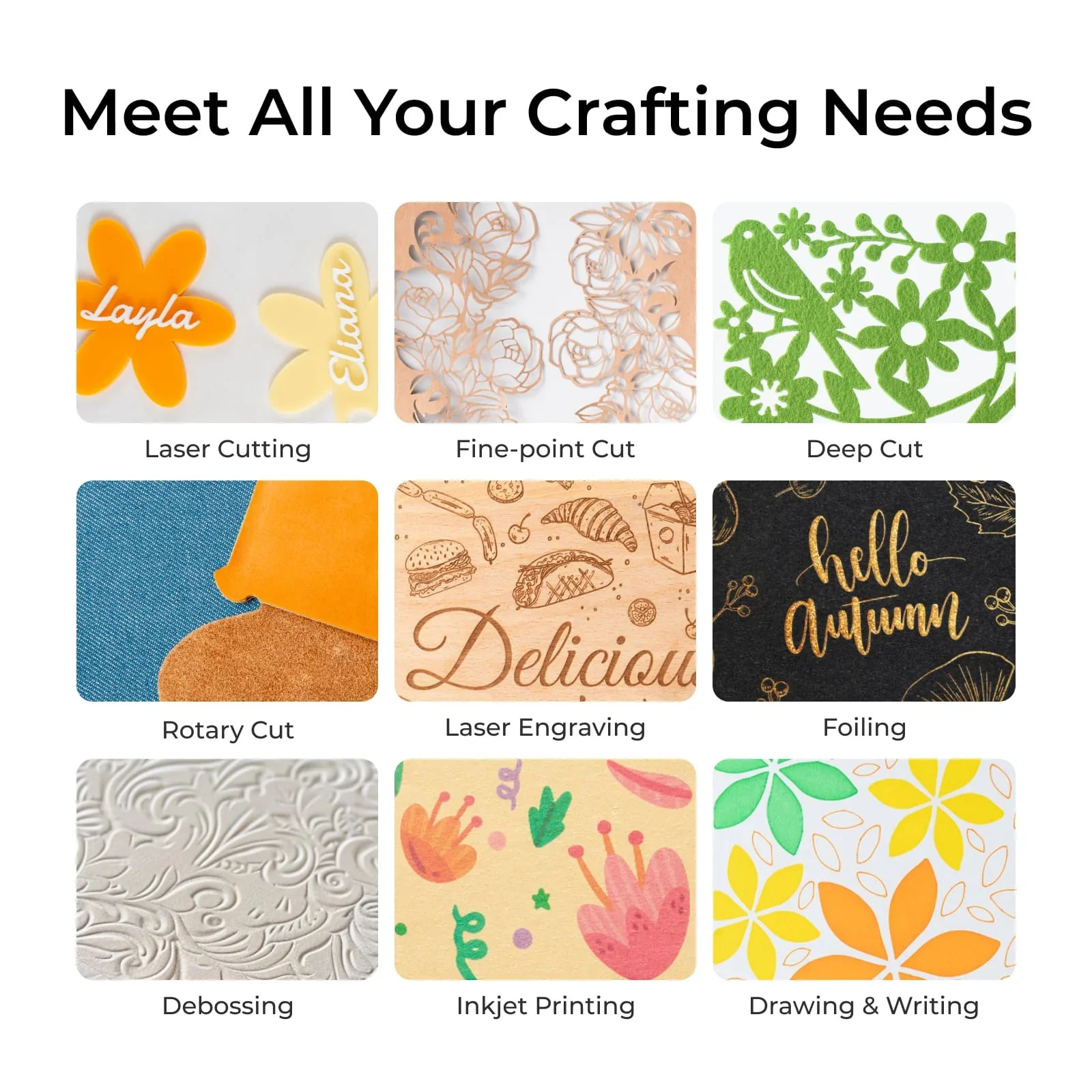
Laser Engraving
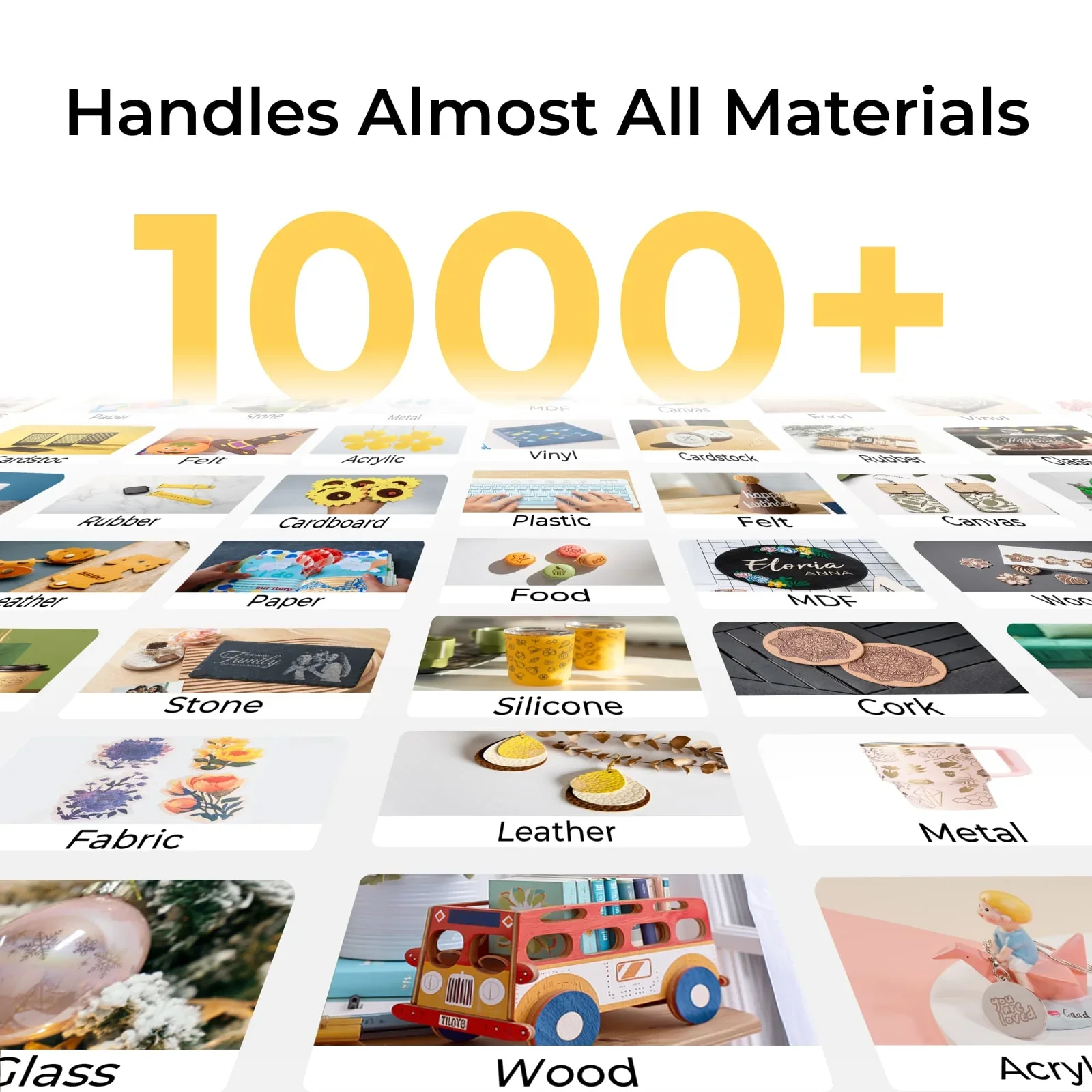
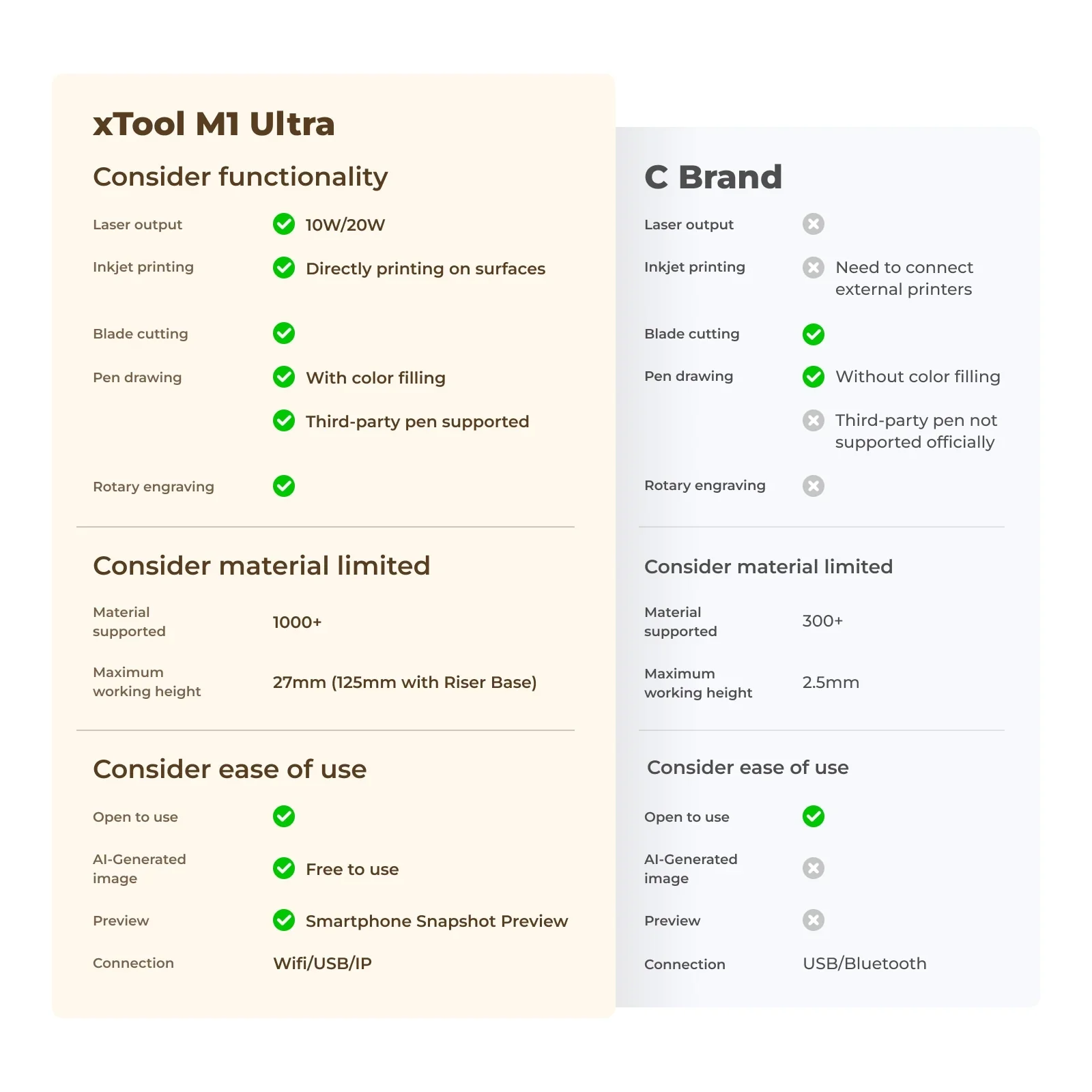
10W or 20W diode laser engraves/cuts wood, acrylic, leather and more — up to 10 mm with 20W (material dependent).
Blade Cutting
Fine-point and cutting blades for precise work on paper, vinyl and foil — up to 2.5 mm (material dependent).
Inkjet Printing
Vibrant, full-colour prints on paper, wood and fabric — up to 296 × 286 mm print area.
Pen Drawing
Use compatible pens to create detailed drawings and text over a 300 × 300 mm area.
Large Working Area
300 × 300 mm for laser/blade/pen; 296 × 286 mm for inkjet.
High-Speed Operation
Up to 400 mm/s for fast, efficient project turnaround.
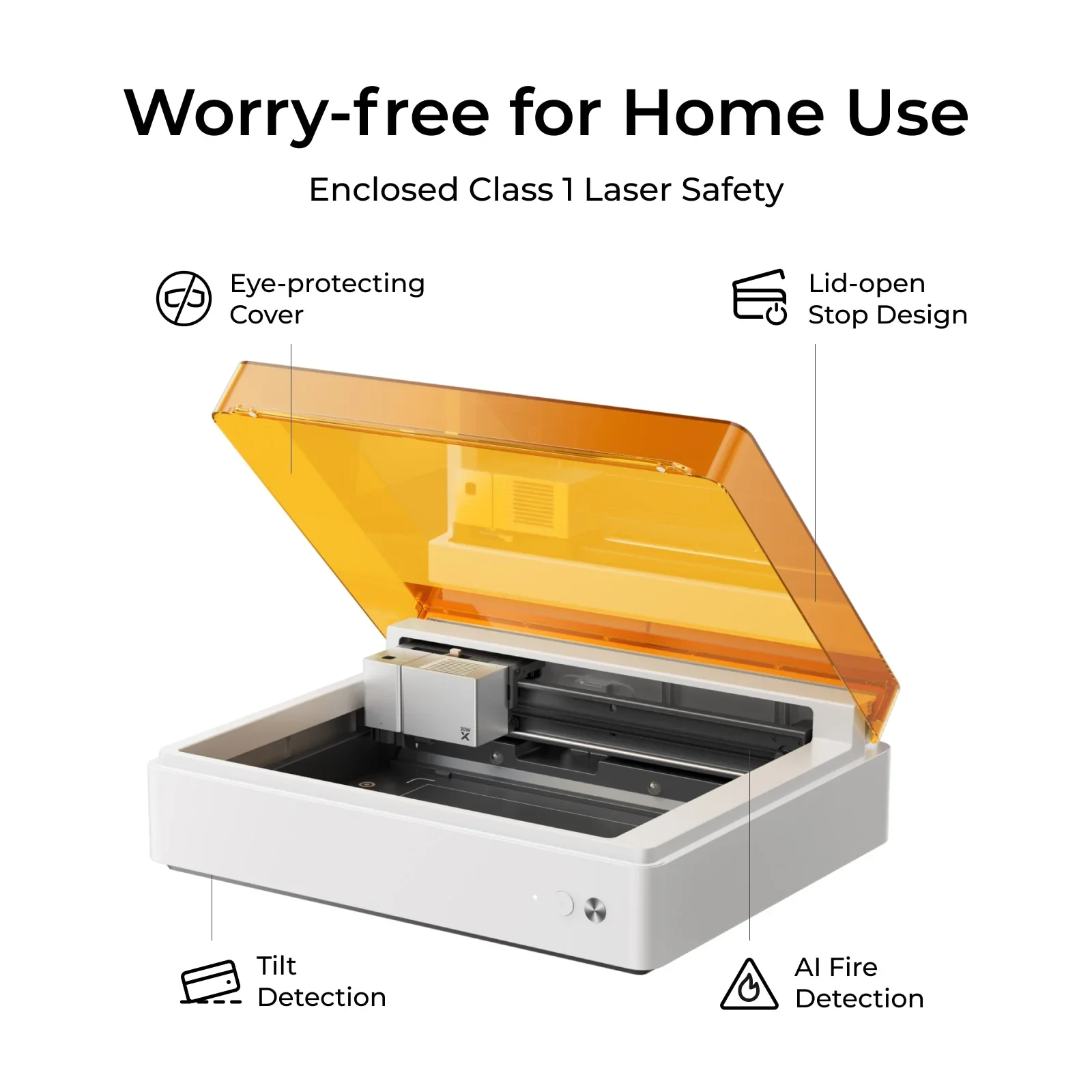
Safety Features
Class 1 laser product; enclosed design; smoke extraction; auto shut-off when lid opens.
User-Friendly Software
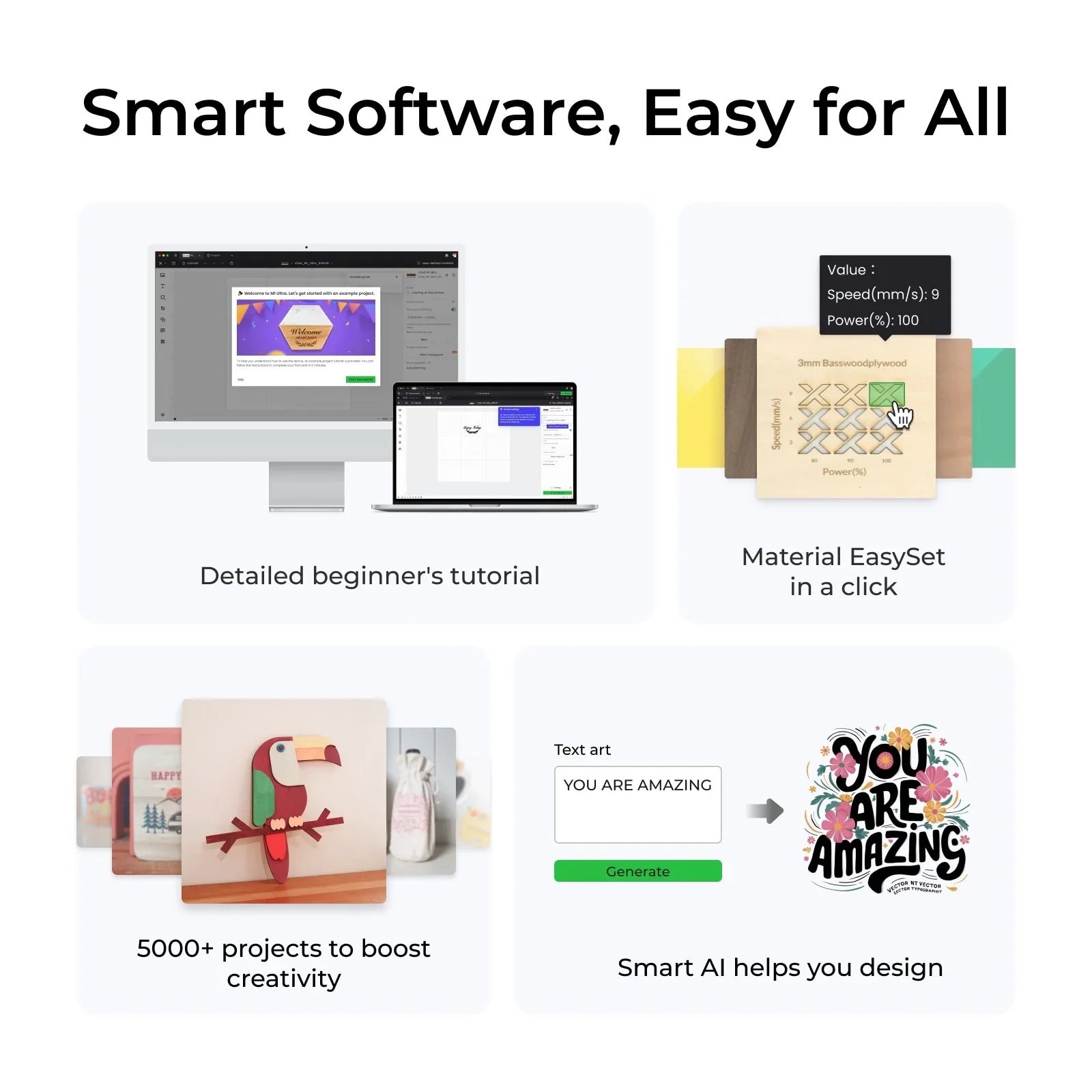
Works with xTool Creative Space (XCS) and LightBurn; supports SVG, DXF, JPG, JPEG, PNG, BMP on Windows, macOS, Android, iOS.
Ideal Applications
Personalised Gifts
Custom engravings and prints on jewellery, keyrings and home décor.
Business Branding
Create branded merchandise, packaging and promotional materials.
Educational Projects
Design and build models, tools and classroom displays.
DIY Crafts
Endless possibilities for scrapbooking, card making and more.
What's Included
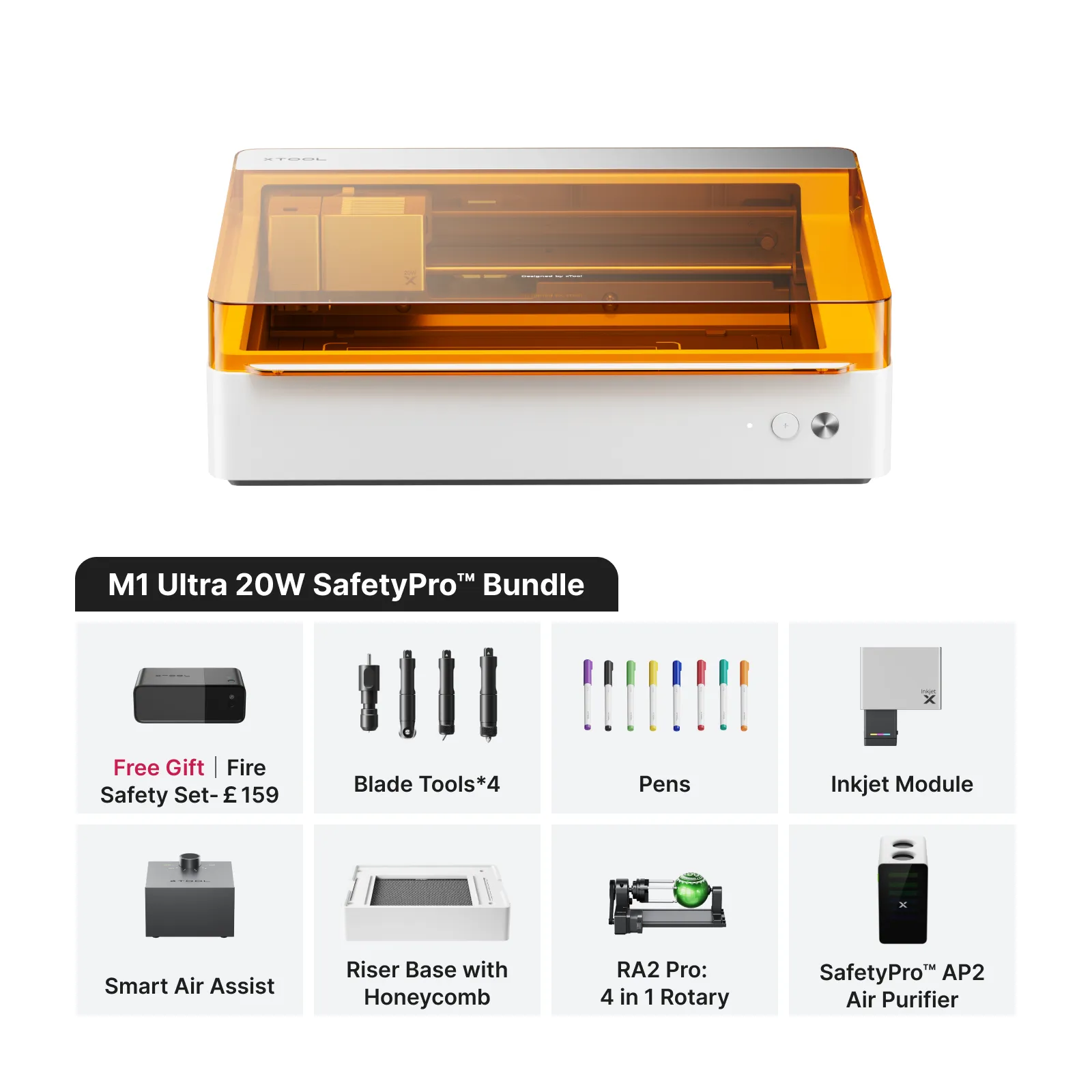
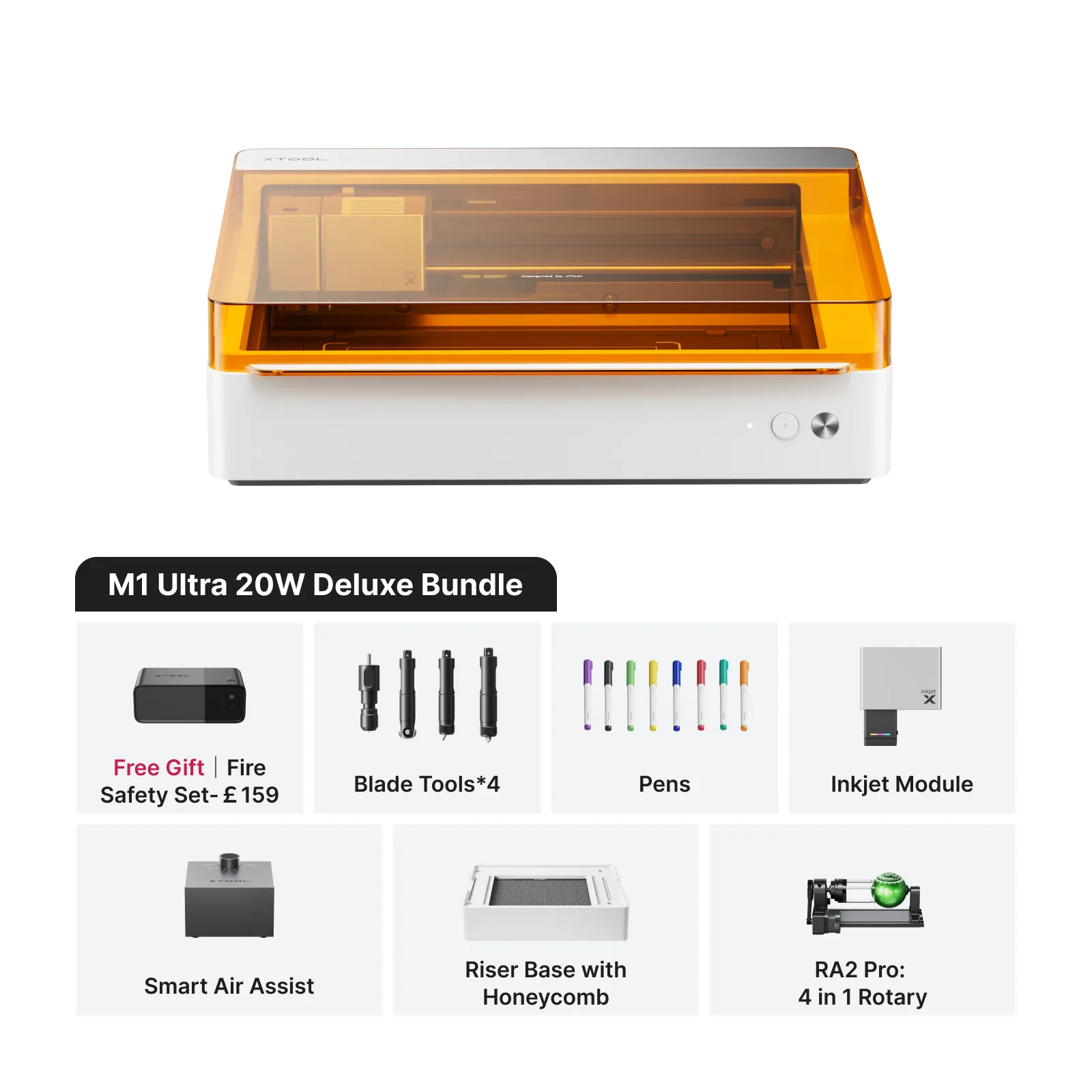
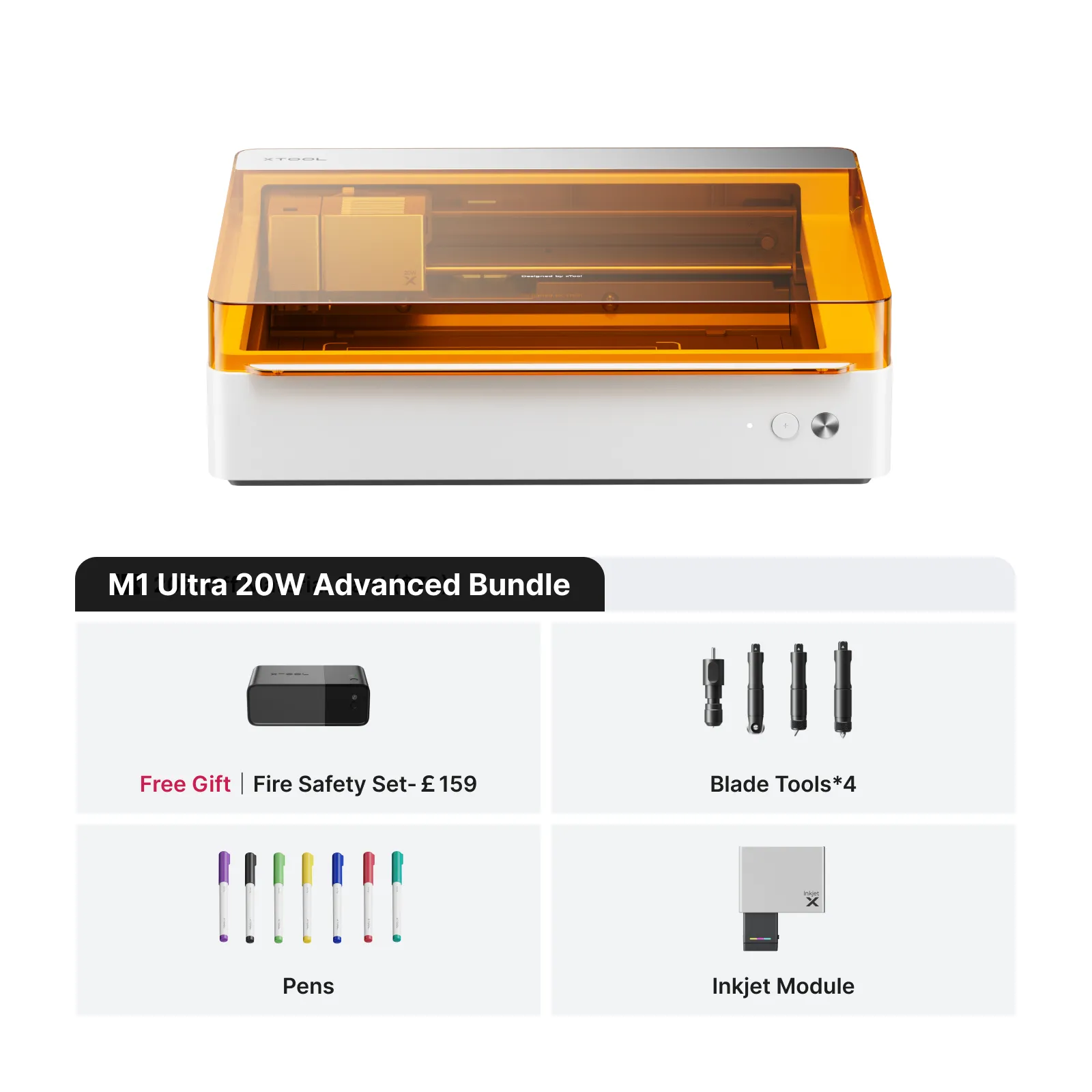
1× xTool M1 Ultra 4-in-1 Craft Machine
1× Free Fire Safety Set
User Manual
Access to xTool Creative Space Software
Power Supply and Cables
[Optional] Accessories: Riser Base, Honeycomb Panel, Rotary Attachment, Air Filter
Specifications
| Functions | Laser engraving/cutting, blade cutting, inkjet printing, pen drawing (Easy Swap™ modules; ~3 s changeover) |
|---|---|
| Laser Power | 10W or 20W diode laser |
| Laser Cutting Capacity | Up to 10 mm with 20W module (material & settings dependent) |
| Blade Cutting Capacity | Up to 2.5 mm (material dependent) |
| Working Area (Laser/Blade/Pen) | 300 × 300 mm (11.81" × 11.81") |
| Working Area (Inkjet) | 296 × 286 mm (11.65" × 11.26") |
| Maximum Working Speed | 400 mm/s |
| Safety | Class 1 laser product; enclosed chassis; integrated smoke extraction; automatic lid-open shut-off |
| Software | xTool Creative Space (XCS), LightBurn |
| Supported File Formats | SVG, DXF, JPG, JPEG, PNG, BMP |
| OS Compatibility | Windows, macOS, Android, iOS |
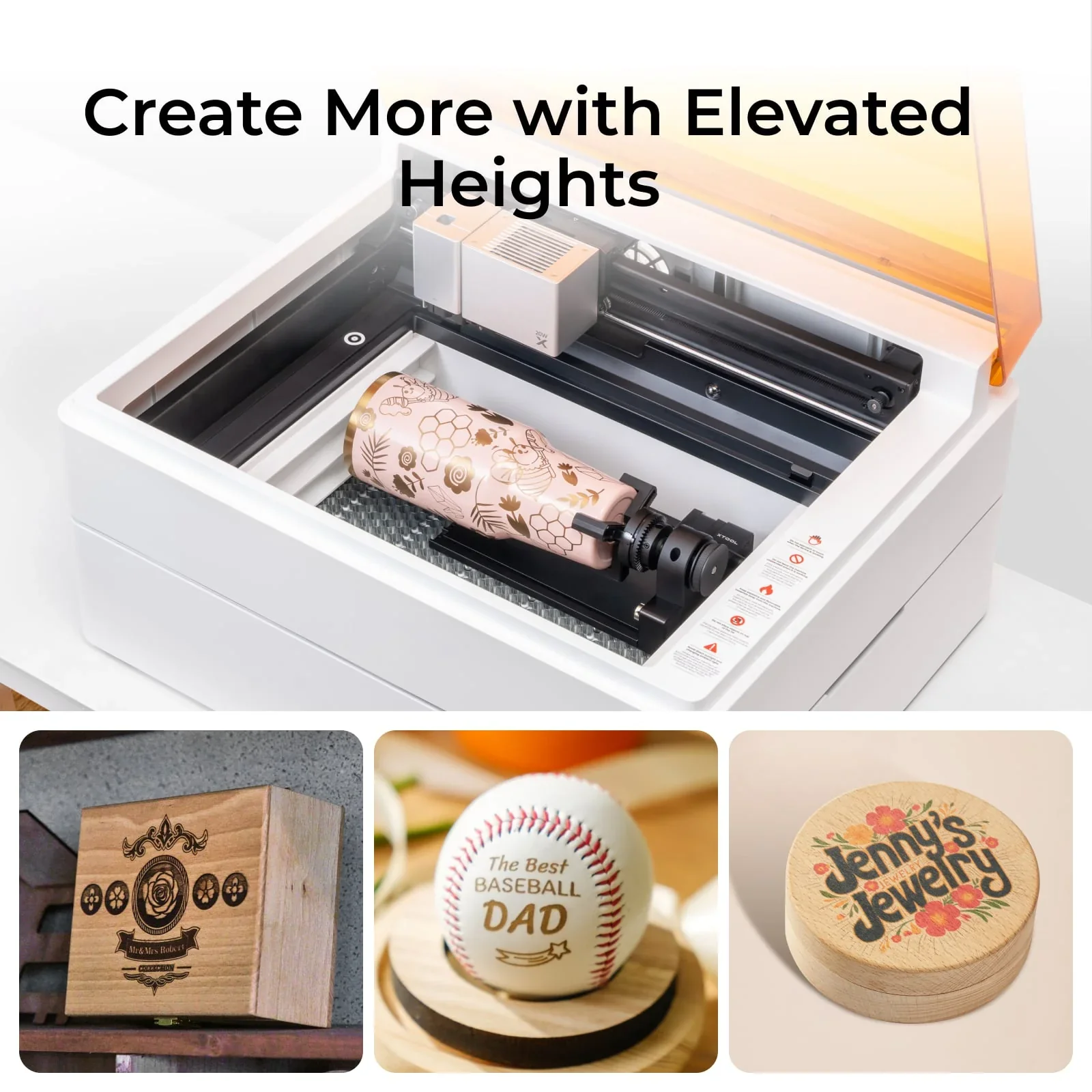
| Rotary Capability | Optional with RA2 Pro 4-in-1 rotary (sold separately) |
Notes: Performance varies by material, thickness and settings. Always follow laser-safe operating practices.
Product Information
Product Information
Shipping & Returns
Shipping & Returns
Description
xTool M1 Ultra 4-in-1 Craft Machine – Unleash Your Creativity
The xTool M1 Ultra is the world’s first 4-in-1 craft machine, seamlessly integrating laser engraving, blade cutting, inkjet printing and pen drawing in a compact device. Built for crafters, small businesses and DIY enthusiasts, the M1 Ultra delivers the versatility and precision to bring creative projects to life.
Key Features
Multi-Functionality
Switch between Laser, Blade, Inkjet and Pen modes via Easy Swap™ — module changes in ~3 seconds.
Laser Engraving
10W or 20W diode laser engraves/cuts wood, acrylic, leather and more — up to 10 mm with 20W (material dependent).
Blade Cutting
Fine-point and cutting blades for precise work on paper, vinyl and foil — up to 2.5 mm (material dependent).
Inkjet Printing
Vibrant, full-colour prints on paper, wood and fabric — up to 296 × 286 mm print area.
Pen Drawing
Use compatible pens to create detailed drawings and text over a 300 × 300 mm area.
Large Working Area
300 × 300 mm for laser/blade/pen; 296 × 286 mm for inkjet.
High-Speed Operation
Up to 400 mm/s for fast, efficient project turnaround.
Safety Features
Class 1 laser product; enclosed design; smoke extraction; auto shut-off when lid opens.
User-Friendly Software
Works with xTool Creative Space (XCS) and LightBurn; supports SVG, DXF, JPG, JPEG, PNG, BMP on Windows, macOS, Android, iOS.
Ideal Applications
Personalised Gifts
Custom engravings and prints on jewellery, keyrings and home décor.
Business Branding
Create branded merchandise, packaging and promotional materials.
Educational Projects
Design and build models, tools and classroom displays.
DIY Crafts
Endless possibilities for scrapbooking, card making and more.
What's Included
1× xTool M1 Ultra 4-in-1 Craft Machine
1× Free Fire Safety Set
User Manual
Access to xTool Creative Space Software
Power Supply and Cables
[Optional] Accessories: Riser Base, Honeycomb Panel, Rotary Attachment, Air Filter
Specifications
| Functions | Laser engraving/cutting, blade cutting, inkjet printing, pen drawing (Easy Swap™ modules; ~3 s changeover) |
|---|---|
| Laser Power | 10W or 20W diode laser |
| Laser Cutting Capacity | Up to 10 mm with 20W module (material & settings dependent) |
| Blade Cutting Capacity | Up to 2.5 mm (material dependent) |
| Working Area (Laser/Blade/Pen) | 300 × 300 mm (11.81" × 11.81") |
| Working Area (Inkjet) | 296 × 286 mm (11.65" × 11.26") |
| Maximum Working Speed | 400 mm/s |
| Safety | Class 1 laser product; enclosed chassis; integrated smoke extraction; automatic lid-open shut-off |
| Software | xTool Creative Space (XCS), LightBurn |
| Supported File Formats | SVG, DXF, JPG, JPEG, PNG, BMP |
| OS Compatibility | Windows, macOS, Android, iOS |
| Rotary Capability | Optional with RA2 Pro 4-in-1 rotary (sold separately) |
Notes: Performance varies by material, thickness and settings. Always follow laser-safe operating practices.